Invoice intake
RunningWhen
An invoice arrives in Inbox / Invoices
It
- Reads vendor, amount and PO number
- Files it under the vendor
- Flags mismatches for a person
docaigent is the AI document platform. Keep everything in one smart repository, ask it anything in chat, let agents work every new file, and generate the letters, notices and packets that go out. Connect your enterprise repositories and run whole processes when you are ready.
docaigent in four minutes
Demo video coming soon
The platform
Every plan starts with the repository and chat. Add Document Studio, agents, case desks and enterprise connectors as your work grows. Every part uses the same agent, the same permissions and the same repository.
Folders and workspaces, versions and metadata, with records management built in. Search understands what a document means, not only the words in it.
Repository · in every plan
Every organization gets its own repository, ready the moment you sign up. Upload or scan your documents and they are read, indexed and searchable, with the governance that regulated work needs already built in.
Claims / 2026 / CLM-20418
…a burst pipe under the kitchen sink flooded the ground floor; repair estimate £62,400…
Claims / 2026 / CLM-20377
…roof leak after the storm damaged stock in the warehouse, claimed at $84,000…
Chat · in every plan
docaigent works with your documents through the same permissions you have. Every answer comes from the repository, and every step it takes is shown as it happens.
Found 3 contracts expiring in Q1 2026:
| Document | Type | Expires |
|---|---|---|
| Acme Corp SLA | Service Agreement | Jan 31, 2026 |
| Wayne Ind. NDA | Non-Disclosure | Feb 15, 2026 |
| Globex Lease | Lease Agreement | Mar 10, 2026 |
Insights · in every plan
Ask for a report and get a dashboard: stat tiles, charts and tables built from the documents themselves, across every repository you connect. Flip any chart to the table behind it in one click.
Open claims
1,284
+6% vs last quarter
Avg. cycle time
4.2 days
−18% vs last quarter
On legal hold
212
+14 vs last quarter
Documents read
48,903
+9% vs last quarter
Claims opened by month
2027By status
Documents read by agents, per week
+34% this quarterWhere the documents live
Ask in plain words
No query language and no report builder.
Every repository at once
The built-in one and every one you connect.
From the documents themselves
Numbers read from contracts, claims and invoices.
Agents · Pro
Describe the job the way you would brief a colleague. docaigent writes the agent's instructions and picks its tools; you choose the folders it watches. From then on, every new file is handled the moment it arrives.
When
An invoice arrives in Inbox / Invoices
It
When
A signed contract is uploaded to Legal
It
When
Anything lands in Records / Incoming
It
Under control by design. Each agent gets only the tools you allow, runs as a member of your organization, and logs every action with what it cost.
Build your first agent →Document Studio · Pro
Customer letters, notices, contracts, statements and full packets, written by AI from a sentence or merged from your templates. Every document comes out on your letterhead, is saved to the repository, and can go straight out for signature.
Dear {{customer.name}},
Your policy {{policy.number}} renews on {{policy.renewal_date}}. Your new premium is {{policy.premium}}.
AI paragraph: explain what changed, in plain words
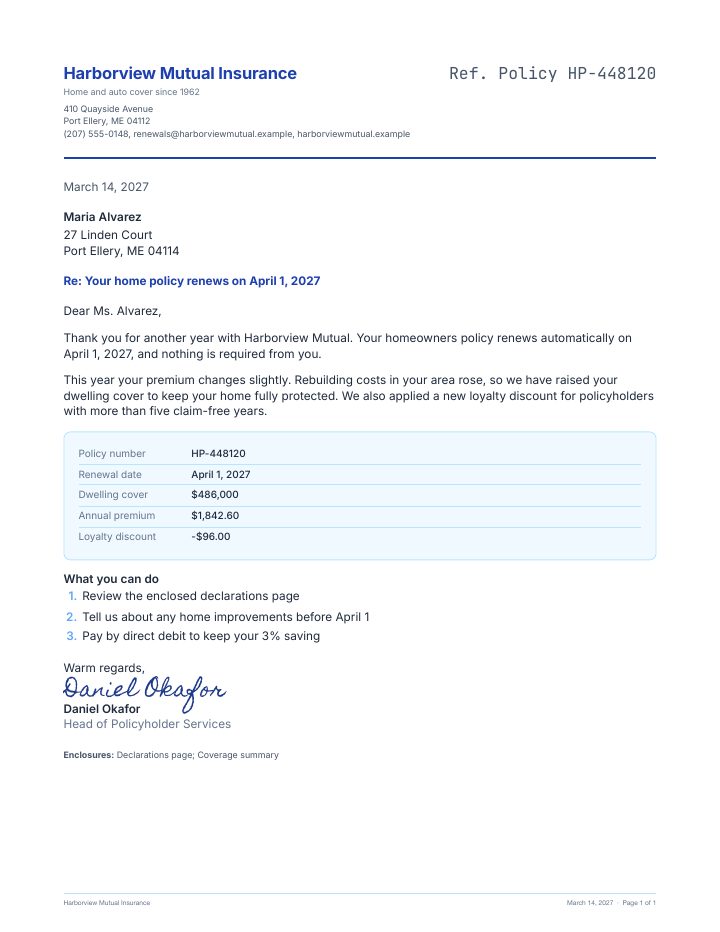
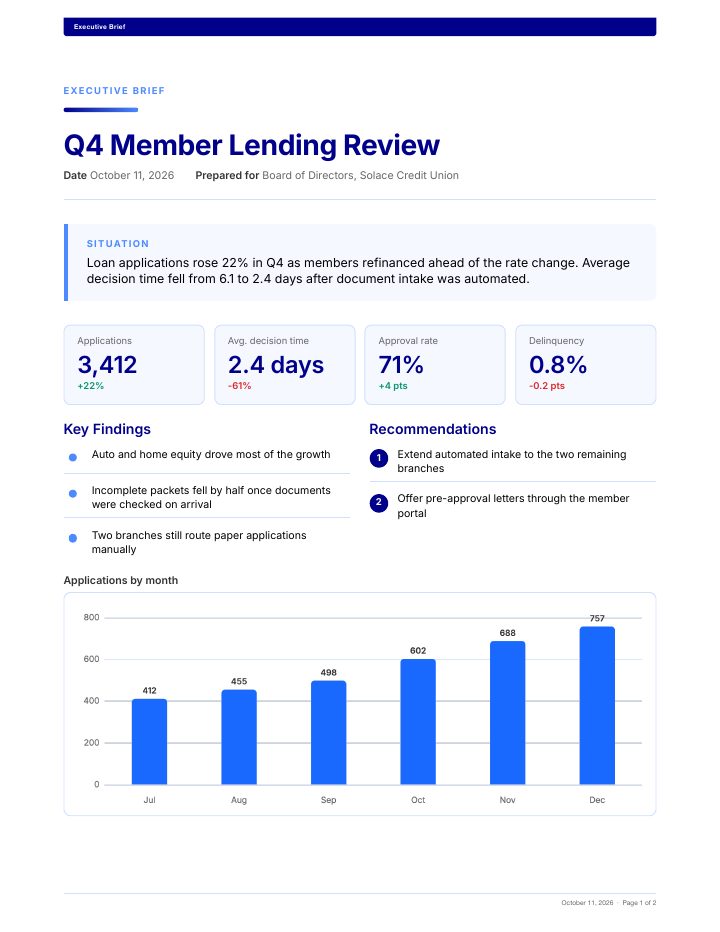
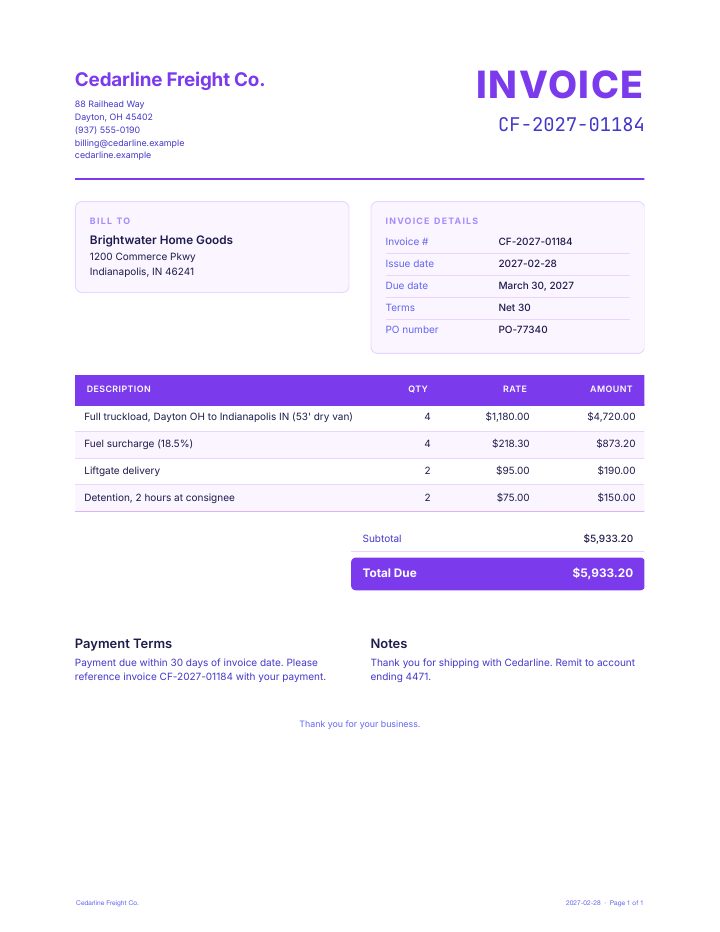
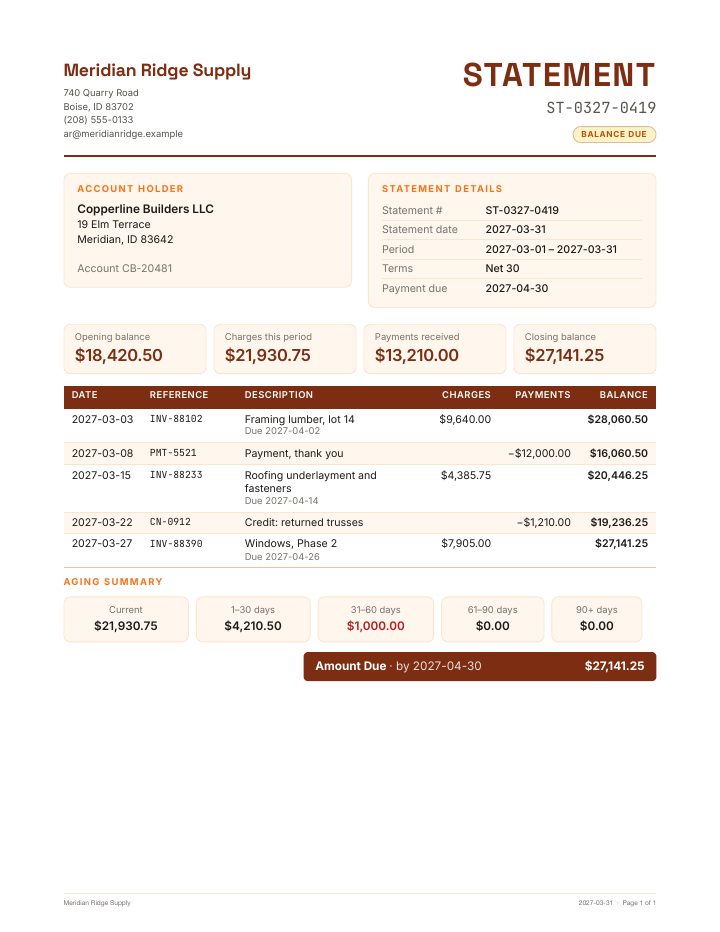
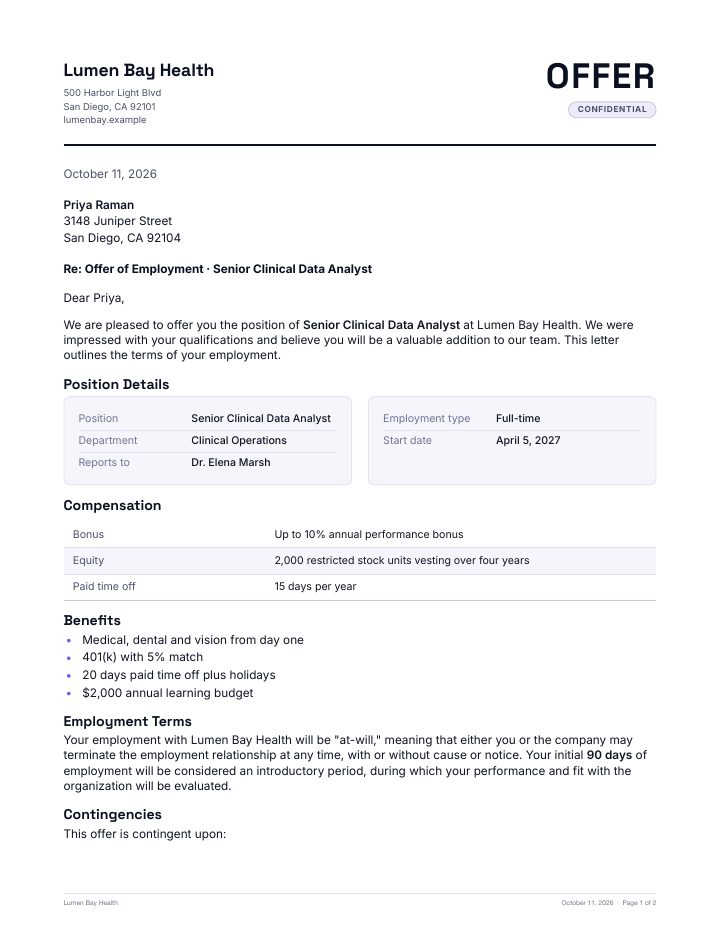
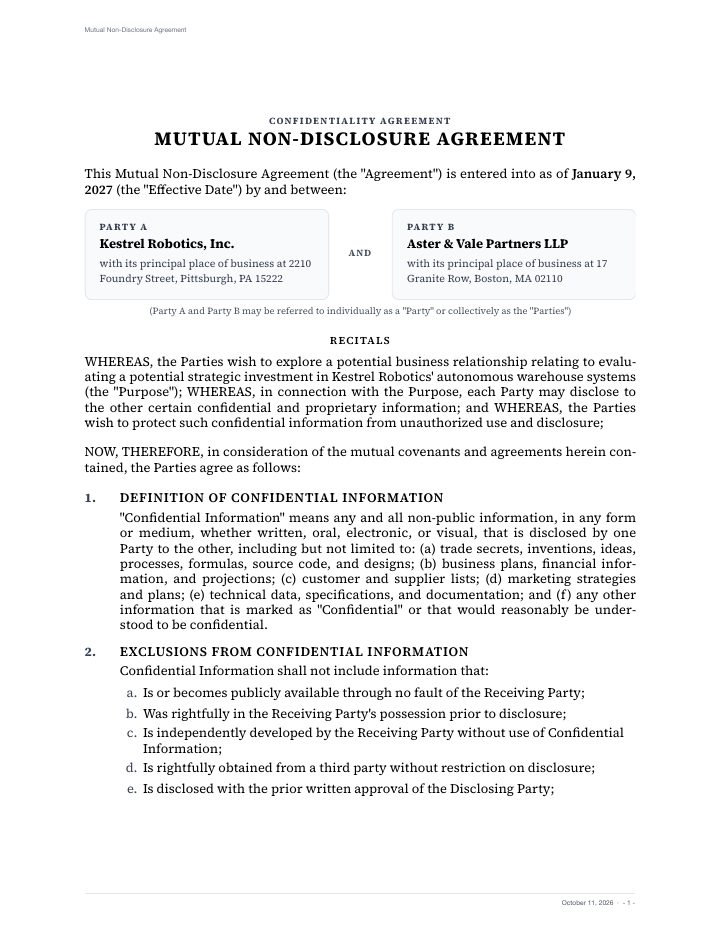
A sentence is enough. AI writes the document in your tone, with your facts.
Your letters and forms with fields that fill from your data.
Several documents generated together and kept as one set.
One template, every recipient, each one a document of its own.
Your letterhead, typography and layout on every page.
Saved to the repository, shared by link or sent for signature.
Case desks · Pro
A case desk is an inbox of work with an agent behind it. The agent does the reading, checking and drafting. Your team makes the decisions.
Documents arrive and open a case, with everything it needs attached.
Contract renewal
Vendor onboarding
Expense exception
Access request
CASE-1042
Contract renewal
3 documents received
The agent proposes; your team decides. Approvals are explicit, per case.
Letters and notices are drafted as PDFs on your letterhead and sent for e-signature.
Outputs and signed copies land in the case workspace in your repository.
Any process
A desk is configured, not coded. Describe the inputs, the rules, the outcomes and the outputs, and the same engine runs the work, whatever your business calls it.
Which documents open a case, and where they come from: uploads, scans, a watched folder or a workspace.
Your policies, in plain language: what to check, what to compare, when to escalate.
The decisions a case can end in, and who has to approve each one.
What happens next: letters drafted, signatures requested, holds applied, workflows started, records filed.
Solutions
Every first notice of loss read, checked against the policy and routed before an adjuster opens the file.
Every application checked against its documents and conditioned, ready for an underwriter's decision.
Every document in the data room checked against the deal, with the issues that move the price in front of the investment committee.
Manufacturing deviations assessed against the batch record, procedures and history, ready for Quality to sign.
Enterprise connectors · Enterprise
Connect the on-premises and cloud content repositories your organization depends on, and put the whole platform to work on them, without moving a single document.
Security and control
docaigent never sees more than you do, asks before it does anything that cannot be undone, and shows its work at every step.
People and agents see only what they are allowed to, in the built-in repository and through every connection.
Destructive actions ask first, and every case outcome waits for a decision from your team.
Each tool call is shown as it happens, and every change lands on the audit trail.
Each organization’s content is kept apart from every other and encrypted with its own key.
Two-factor authentication, single sign-on with your identity provider, and sessions you can revoke.
Use docaigent as a service, or run a dedicated installation inside your own infrastructure.
Your data stays yours. Request a complete export of everything your organization holds, documents, versions, metadata and audit history, as one encrypted archive, at any time.
Pricing
Every organization starts with 25 free AI actions across chat, agents, Document Studio and case desks. Keep going on Base, or on Pro when the AI should do the work.
$0
25 AI actions on us, no card needed
Try everything with your own documents: chat, an agent, Document Studio and a case desk.
$39
per user a month, billed annually · 3-user minimum
Your organization's AI document repository, with AI chat for everyone on your team.
$99
per user a month, billed annually · 5-user minimum
Everything in Base, plus the AI that does the work.
For regulated organizations that need docaigent inside their own walls: everything in Pro plus your own repositories, in a dedicated installation, on terms that fit. Priced for your organization.
Case desks in production are priced per desk, with your case volume included. How case desks and services are priced
Prices in US dollars. Paid plans include a fair-use allowance of AI actions per user; an AI action is one chat message, one agent run on a document, or one generated document.
Questions
The short answers. Everything else is easier to see for yourself, with 25 free AI actions.
Every new organization gets 25 free AI actions to try everything: chat, an agent, Document Studio and a case desk. An action is one chat message, one agent run on a document, or one generated document. After that, choose Base or Pro to keep going; your documents stay where they are.
Base ($39 per user a month) is your repository with AI chat. Pro ($99 per user a month) adds Agents, Document Studio, Case desks and e-signature. Enterprise adds connectors to the repositories you already run, single sign-on, premium support and a dedicated installation. Enterprise and case desks in production are priced for your organization; see the pricing page.
No. Start fresh on your own docaigent repository, or add enterprise connectors and work on the repositories you already run, where the content already lives.
Only what you allow. Each agent gets a list of tools, acts as a member of your organization with that member’s access, and logs every step. Anything that cannot be undone asks a person first.
Letters, notices, contracts, forms, statements, policies, reports and full packets. Describe one in a sentence or start from your own template; each comes out on your letterhead and is saved to the repository.
An inbox for one process, such as claims or onboarding. Each case arrives with its documents, the agent assesses it and drafts the outputs, and a person approves the outcome before anything goes out.
Yes. Besides the hosted service, docaigent runs as a dedicated installation inside your own infrastructure, with your identity provider and your keys.
Create your organization in a minute, upload a few documents and ask your first question, with 25 free AI actions. Try agents, Document Studio and a case desk too, then pick the plan that fits.